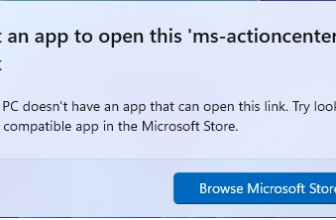
- Go to https://apps.microsoft.com/store/apps
- Search for your App e.g. Windows App : https://apps.microsoft.com/detail/9n1f85v9t8bn?hl=en-us&gl=US
- Copy the ID from the URL, for example:
9n1f85v9t8bn - run the following command
winget install 9n1f85v9t8bn-s msstore
If you do not have winget here are some instructions how to install: https://github.com/microsoft/winget-cli