Apart from major changes in Windows 7 like Taskbar, Jumplist, Wallpaper Slideshow etc there also several other small changes like changes in Icons & system icons. One such change is from animated network system tray icon to plain normal Icon in Windows 7.
If you have noticed in Windows XP Network icon blinks whenever there is any network activity, this helps users in identifying that their network/internet connection is intact & working find. However in Windows 7 due to non-animated network connection system tray icon you will know status of network connection.
You have to manually check it via command prompt or hover mouse over network connection icon. Did you ever wish to get back Windows XP style Network Connection system tray icon in windows 7 ? Well then here is work around.
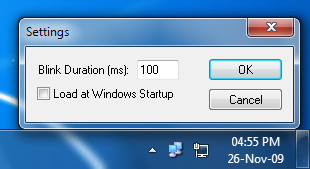
Igor Tolmachev of itsamples.com have developed nifty app Network Activity Indicator which adds Windows XP style Network connection system tray icon.
Download Network Indicator for Windows 7.
Similar Posts: